
If you’ve ever cut into a chicken breast only to find it’s still pink in the middle — or sliced into a steak that’s gone from medium-rare to well-done in the blink of an eye — you already know how frustrating it can be to nail the perfect internal temperature. That’s exactly the problem the Ninja ProChef Wireless Thermometer was built to solve.
This smart cooking tool takes the guesswork out of cooking meat, letting you track doneness in real time from your phone — no more constantly opening the oven, grill, or air fryer to check. Here’s everything you need to know before you buy, plus a full walkthrough on how to use it like a pro.
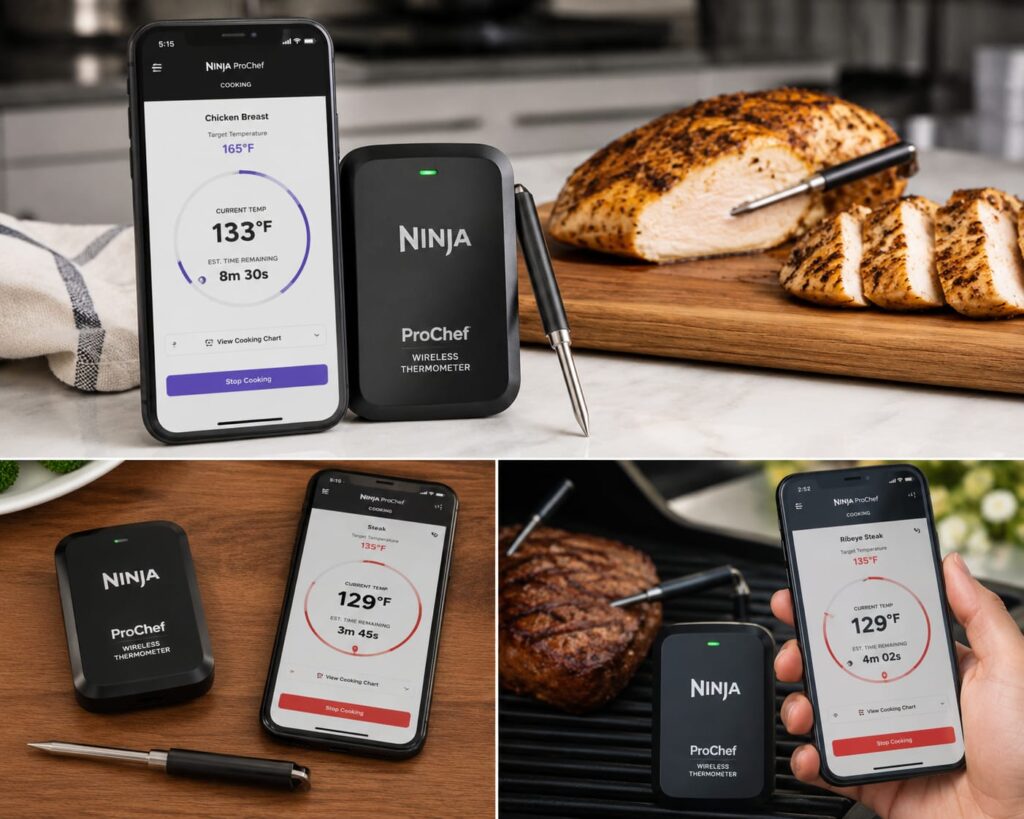
What Is the Ninja ProChef Wireless Thermometer?
The Ninja ProChef Wireless Thermometer is a wireless cooking probe that monitors the internal temperature of your food as it cooks. It pairs with the Ninja ProConnect app via Bluetooth, so you can keep an eye on cooking progress, estimated finish time, and target temperature straight from your smartphone — whether you’re using an oven, air fryer, grill, or barbecue.
For anyone who’s ever second-guessed whether dinner is actually done, this device essentially puts a professional chef’s precision in your pocket.
What’s Included in the Box
- A wireless probe
- A charging and storage case
- A AAA battery (depending on model)
- A user guide
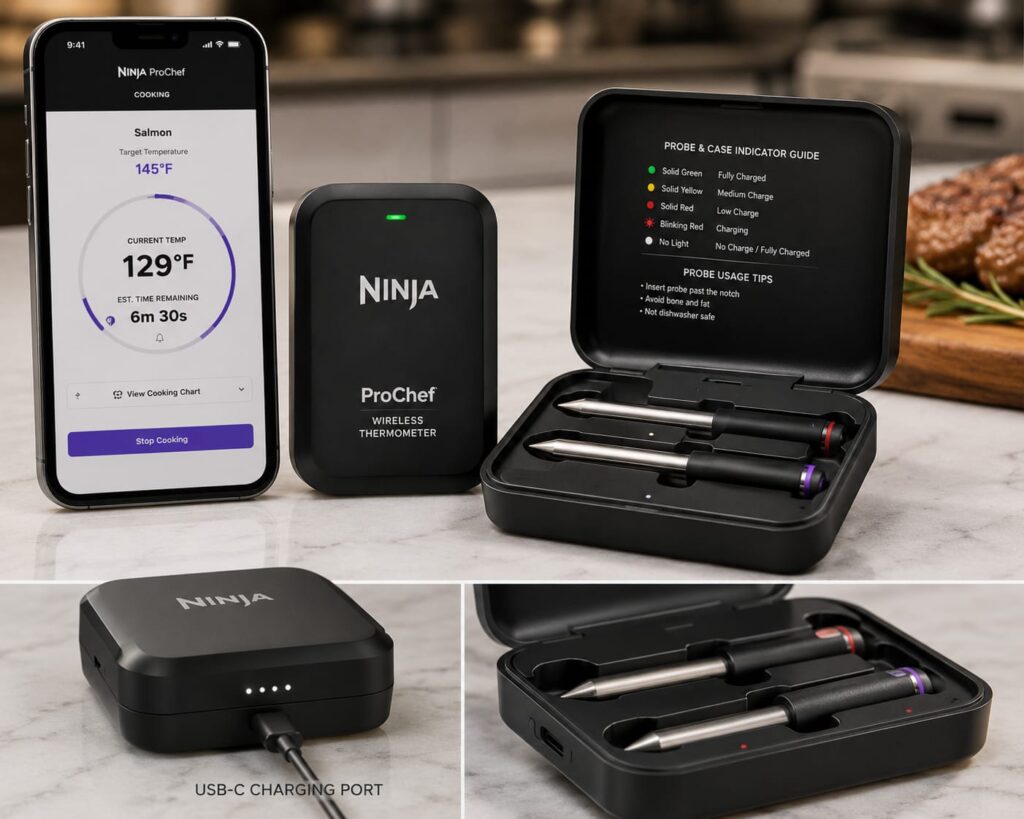
Getting Started: First-Time Setup
Setting up the probe is quick and beginner-friendly:
- Insert the battery, if your model requires one.
- Charge the probe for about an hour before first use.
- Download and install the Ninja ProConnect app.
- Enable Bluetooth on your phone.
- Pair the probe with your smartphone through the app.
Once that’s done, you’re ready to cook.
How to Use the Ninja ProChef Thermometer
Using the thermometer is simple, even if this is your first time cooking with a smart probe:
- Select your food type and doneness level in the app.
- Insert the probe into the thickest part of the food, making sure it reaches the minimum insertion line. Avoid touching bone or cookware, as this can throw off the reading.
- Place the food in your cooker — oven, air fryer, grill, or barbecue — while keeping the charging case outside the heat.
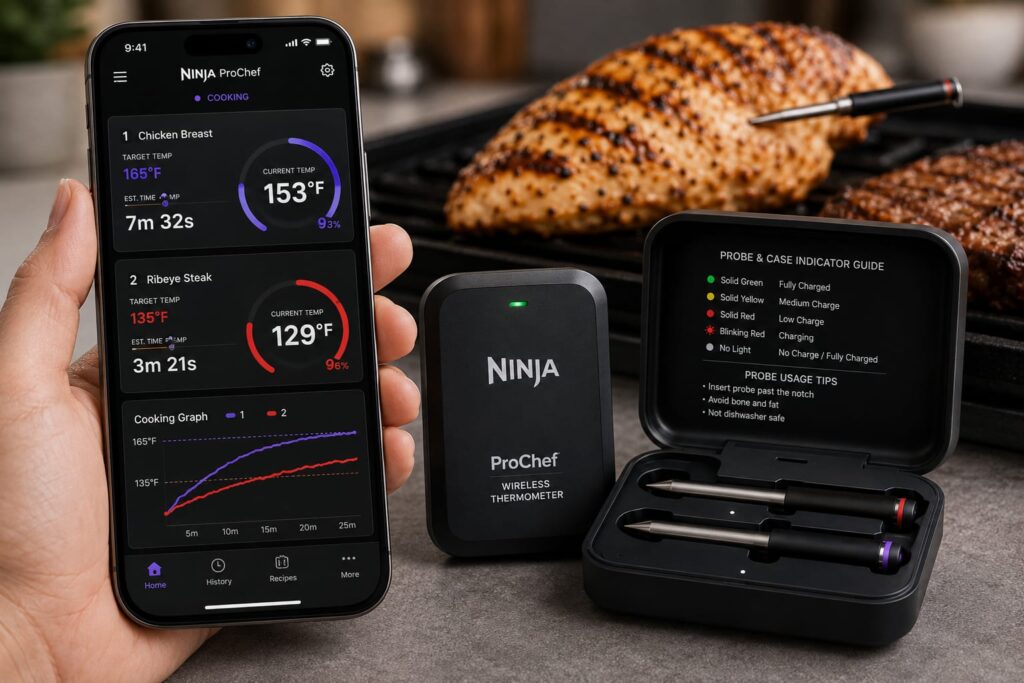
- Monitor progress from your phone. The app will track the cooking process and send a notification once your target temperature is reached.
No more guessing, no more cutting into your food to check, and no more overcooked dinners.
After Cooking: Cleanup and Storage
Once your food hits temperature:
- Carefully remove the hot probe.
- Let the food rest before serving.
- Wash the cooled probe by hand with warm, soapy water.
- Dry it thoroughly.
- Store it in the charging case until next time.
Pro Tips for the Best Results
- Insert the probe into the centre of the thickest part of the food for the most accurate reading.
- Keep your phone within Bluetooth range to maintain a stable connection.
- Keep the charging case away from direct heat at all times.
- Clean the probe after every single use to keep it performing accurately.
Why It’s Worth Adding to Your Kitchen
- Accurate temperature monitoring — no more guesswork
- Reduces the risk of overcooking your meat
- Improves food safety by confirming food reaches safe internal temperatures
- Remote monitoring so you’re not stuck babysitting the oven
- Automatic alerts the moment your food is ready
Final Thoughts
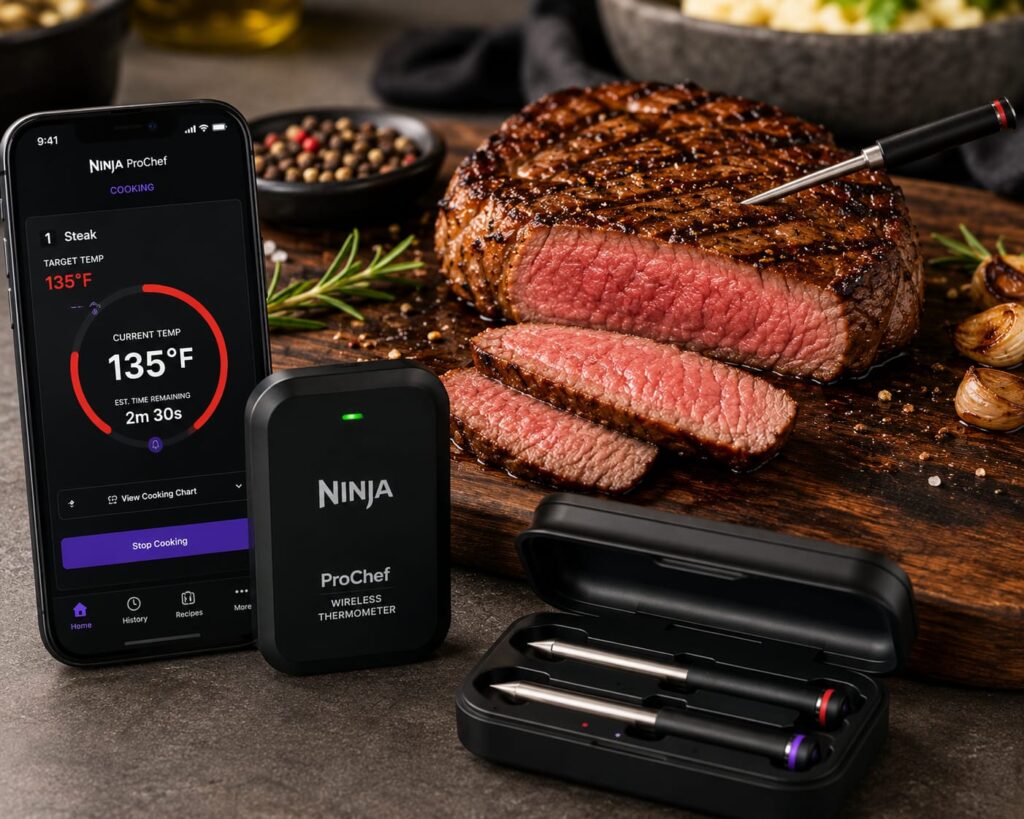
The Ninja ProChef Wireless Thermometer is one of those small kitchen upgrades that makes a big difference. It takes the anxiety out of cooking meat — whether you’re a total beginner or someone who just wants consistently great results — and its wireless, app-connected design means you can multitask while your food cooks, instead of hovering over it.
With simple setup, easy-to-follow steps, and reliable temperature alerts, it’s a smart, low-effort way to cook with confidence every time.